
Approximately Up / Crew troubleshooting
Approximately UpFind the signal
that failed.
Fix wiring, flight, radar, and mission problems. Start with the signal you can see.
- Patch context
- v1.0.012 Official update feed
- Coverage
- 7 routes Evidence-labelled
- Evidence
- Verify in-game Context is not proof.
New crew / First orientation
New here? Browse one system first.

Issue finder
What went wrong?
Jump straight to the blocker that looks familiar.
No matching issue? See what to captureBuild
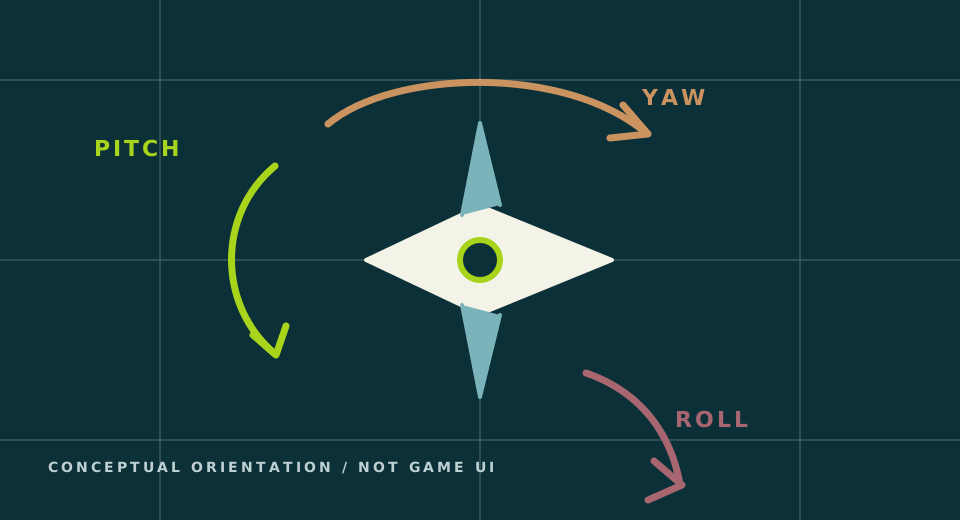
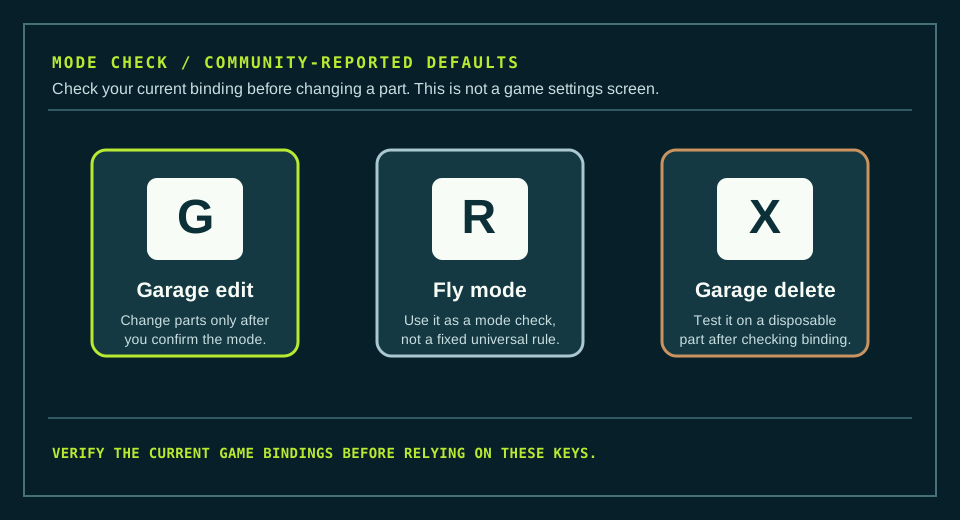
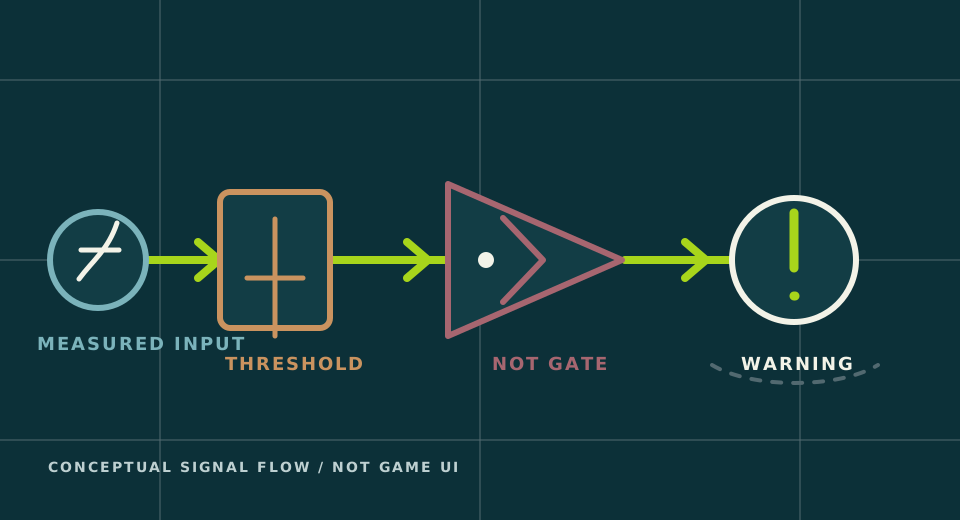
Controls, logic, thrusters, and wiring.
Flight
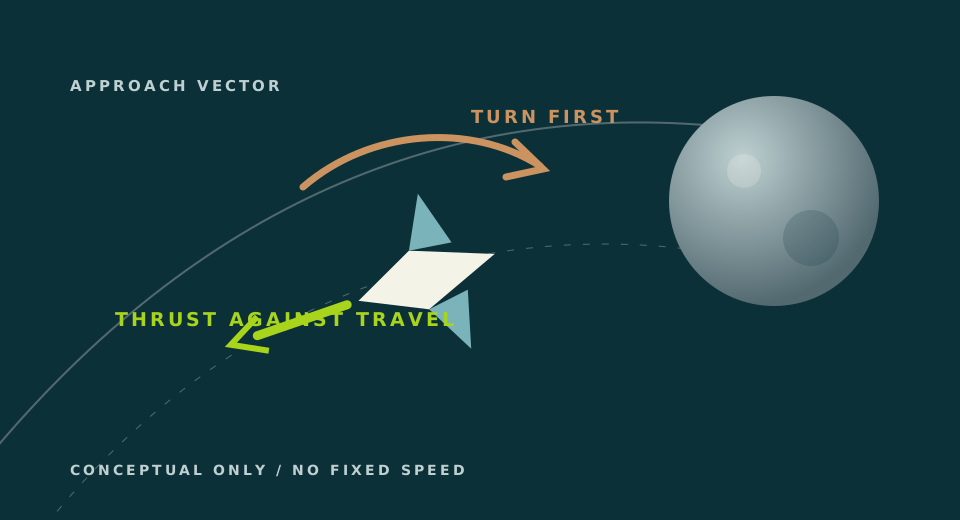
Moon approach and braking.
Missions
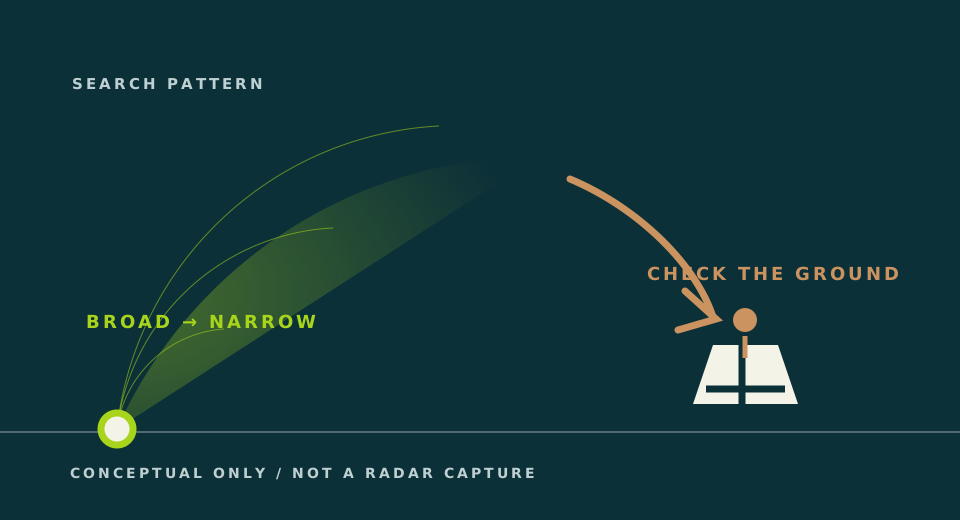
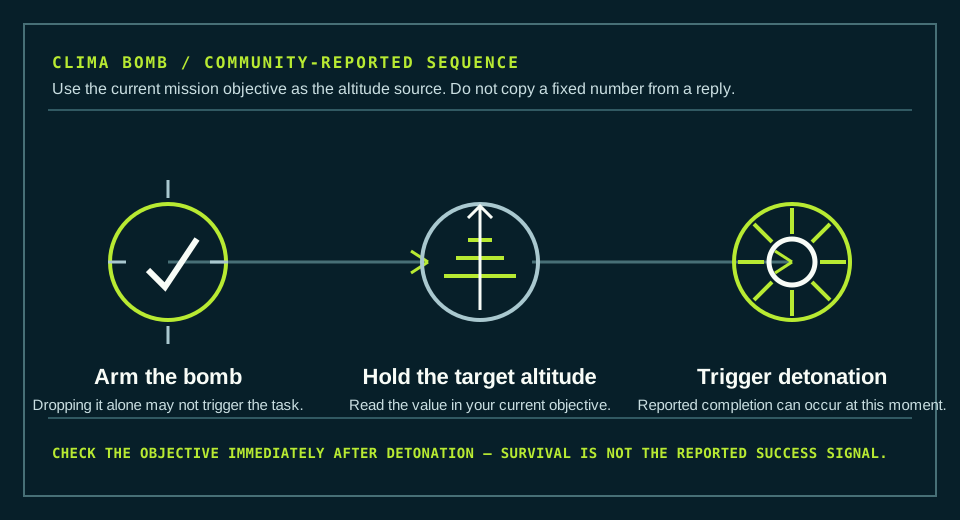
Crates, radar, and old mission notes.
My problem is not in this list
These seven routes cover only problems we can bound with sources. If none matches, capture these three signals before you copy another fix.
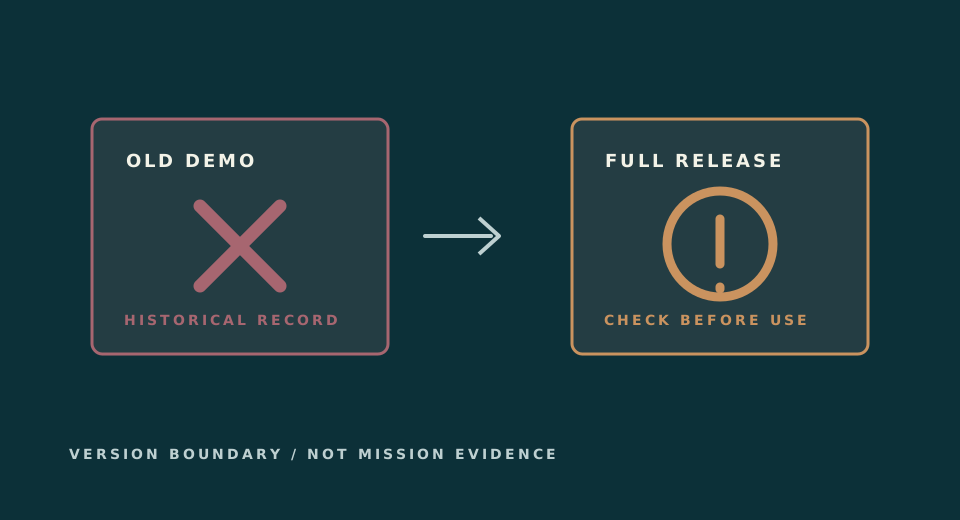
- Current game version and active missionOld values can describe a different build or objective.
- The part, input, or control path that failsUse the current in-game name and note the ports or axis involved.
- What you expected and what actually happenedOne observed result is more useful than changing several things at once.
Steam discussions are player reports, not official support or a current-game verification.
Game context
Know the world before you troubleshoot.
These official facts explain the game’s scale. They are not a substitute for a tested guide procedure.
- Current release
- 1.0.012
- Unique planets
- 15
- Co-op players
- Up to 4
- Steam achievements
- 22
Official game facts checked 2026-08-20; patch feed checked 2026-08-20. The version identifies game context only; every guide keeps its own evidence status.
Official media / external sourceSee official trailers and screenshotsOpens the developer’s current media page. This guide does not copy, host, or treat the external media as gameplay proof.New crew / Official loop
Understand the flight loop first
These are official product facts, not a tested first-flight checklist. Use them to orient yourself, then diagnose the one system blocking you.

- 1Build a modular ship
The official game description starts with a ship assembled from parts such as thrusters and cables. Know the part name before changing it.
Read the official listing - 2Explore and unlock
Travel and missions open more ship parts. Check the current objective and version before copying an old route or numeric value.
- 3Debug one visible signal
When a system fails, start with the matching symptom here and try its shortest bounded action first.
Open the issue finder
Guide evidence
Last reviewed 2026-08-20Seven focused guides are live. More pages will be added only when there is a specific player problem and enough evidence to help; a version check does not by itself make a community fix current.